
As an Amazon Associate, Chasing Cherry Blossoms earns from qualifying purchases. We may also earn from other affiliate links on this page at no extra cost to you.
Getting online in Japan used to mean renting a pocket WiFi box at the airport. Now many travelers scan a QR code before they fly. Here is how a Japan eSIM compares with pocket WiFi, a physical SIM and roaming.
Quick answer: If your phone is unlocked and supports eSIM, you can usually buy a Japan data eSIM before you fly and switch it on when you land. For maps, messages and ride bookings it is often simpler than renting pocket WiFi. Physical SIMs and airport WiFi counters are a solid backup, and US carrier roaming works too, but plans differ, so check your own account. Whatever you choose, install the eSIM on home Wi-Fi first, and read the provider page for hotspot rules and data limits before you pay.
Japan connectivity at a glance
| Option | Best for | Catch | Tip |
|---|---|---|---|
| Travel eSIM | Solo travelers and couples with eSIM-capable, unlocked phones | Usually data-only; some plans may limit hotspot use or slow down after a daily amount | Install on home Wi-Fi, then switch the line on after landing |
| Physical prepaid SIM | Phones without eSIM, or travelers who like a counter to help | Needs a SIM tray, an unlocked phone and a swap; ID may be requested | Keep your home SIM somewhere safe in a small case |
| Pocket WiFi (rental or device) | Groups sharing one connection, or laptops and tablets | One more device to charge, carry and return | Check pickup and return details with the rental company |
| US or home-carrier roaming | Short trips where convenience beats cost | Allowances and daily fees depend on your plan | Ask your carrier what your plan includes in Japan |
| Free public Wi-Fi | Topping up on a lobby or cafe connection | Coverage and sign-in steps vary; not a reliable only option | Use it as a supplement, not a plan |
All of these can be mixed. Many travelers keep roaming as a safety net and add an eSIM for everyday data.
Map: where to pick up a SIM or pocket WiFi if you need one
- Narita International Airport Terminal 1 – Landside SIM and Wi-Fi counters (before departure passport control). Directions
- Narita International Airport Terminal 2 – Landside counters plus GPA SIM vending machines; some listed before customs. Directions
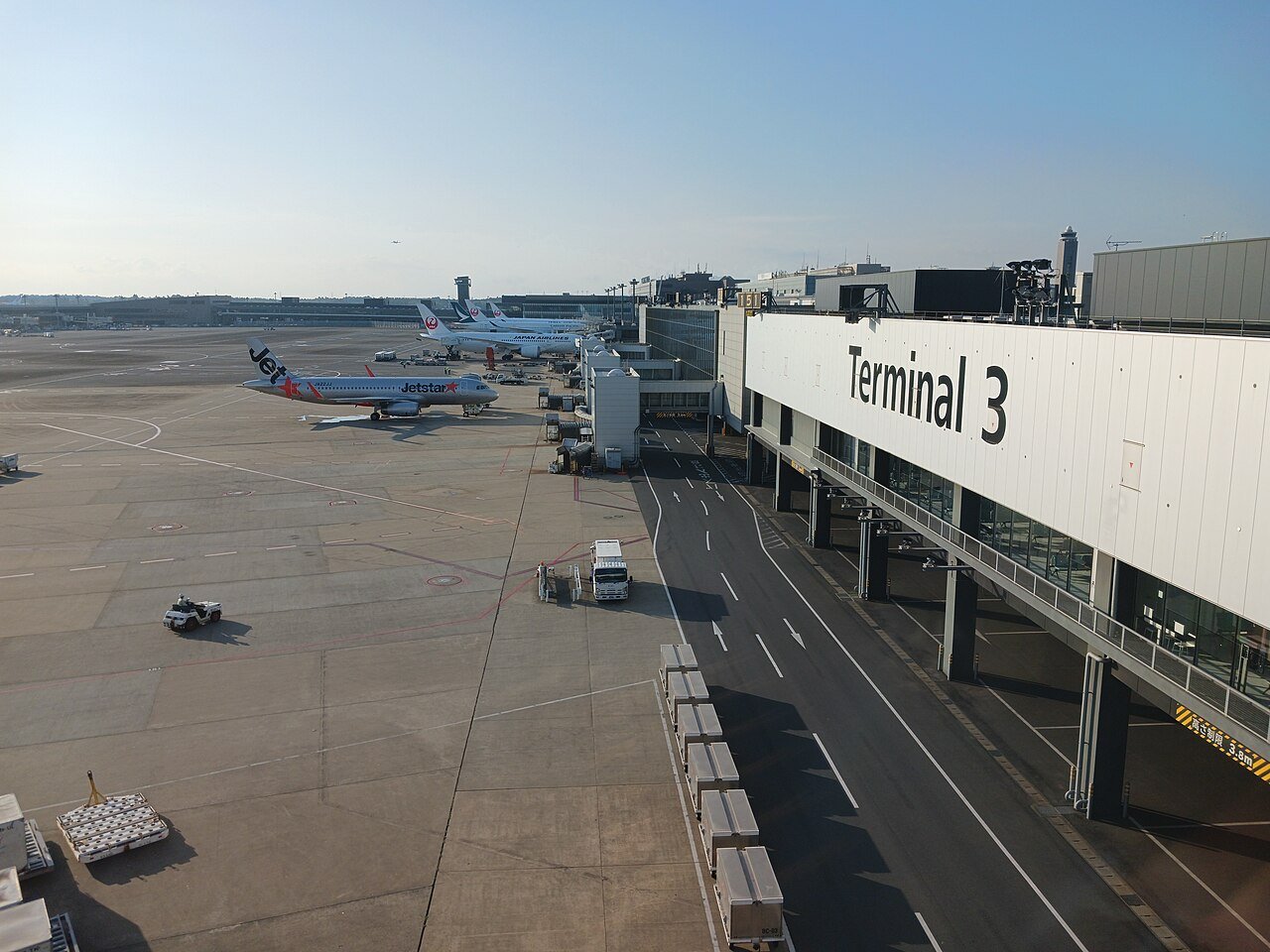
- Narita International Airport Terminal 3 – Official page lists SIM vending and Wi-Fi counters before security check. Directions
- Haneda Airport Terminal 3 (International) – Arrival-lobby Wi-Fi and SIM counters for most international flights. Directions
- Haneda Airport Terminal 1 – Official page lists prepaid SIM vending machines in Terminal 1. Directions
- Kansai International Airport Terminal 1 – Major arrival airport; check the official site for current counters. Directions
These pins are airport terminals whose official pages list SIM, Wi-Fi rental or phone counters. Counter names, hours and terminals change, so use the airport pages linked below as your source.
Will your phone work with a Japan eSIM?
As of 8 Nov 2026, Apple’s support pages say eSIM needs an iPhone XS, XS Max, XR or later, plus a carrier or provider that supports eSIM. Apple also says a phone that is locked to a carrier will not work with another carrier abroad. The check it points to is Settings, General, About, where “No SIM Restrictions” should appear next to Carrier Lock.
Google’s support pages say Pixel phones from the Pixel 4 onward generally support eSIM, and the newest US Pixel models are eSIM-only. Samsung publishes a list of eSIM-capable Galaxy phones, but it varies by country and model, and it says eSIM may not be available on a listed phone depending on where it was sold. So treat any short model list, including ours, as a starting point. Look in your phone’s Settings for an option to add a mobile or cellular plan, or ask your carrier.
eSIM vs pocket WiFi vs a physical SIM
A travel eSIM is a digital SIM profile you download, so there is nothing to pick up or return, and many phones can keep the home line active alongside it. Pocket WiFi suits groups sharing one connection, or laptops and tablets. A physical SIM is handy if your phone lacks eSIM, but you swap your home SIM out.
Plans labelled “unlimited” are worth reading closely. Here is how the main styles usually work, based on how providers describe them. Details differ by provider.
| Style | What it usually means | Watch for |
|---|---|---|
| Fixed-GB bundle | A set amount of data for a set number of days | What happens when it runs out: top-up, slow speeds or nothing |
| Daily high-speed, then slower | A daily allowance at full speed, then a slower speed until the next day | The daily amount and the slower speed; whether hotspot is allowed |
| Advertised unlimited | No fixed GB cap, usually with a fair-use policy | Fair-use wording, hotspot limits and any slowdown after heavy use |
How to buy and install a Japan eSIM before you fly
Apple’s pages describe several ways to add an eSIM: scan a QR code, follow a carrier link, use a carrier app, or enter details by hand under Settings, Cellular, Add Cellular Plan. Android menus differ, so follow your provider’s steps.
- Buy and install, or at least download the QR code, while you are on reliable Wi-Fi at home.
- Label the new line “Japan” so you can find it later.
- Read the plan page for start rules; some plans count days from install, some from first connection.
- Keep your home line active until you land if you need texts or two-factor codes.
Using a Japan eSIM on the ground
Apple says that on recent iOS versions you may get a prompt on arrival to turn on your travel eSIM, with a choice of using only the travel eSIM or both lines. You can also set the cellular data line yourself under Settings, Cellular, Cellular Data. If you use both lines, Apple warns you could still be charged roaming fees by your home line, so switch off data roaming on the home line if you do not want that.
Many travel eSIMs are data-only, so calls and texts would go through apps. Some providers sell plans with a Japanese number, which can bring extra steps. Hotspot rules vary too, so check before you count on sharing your connection.
Many travelers also run Suica or PASMO in their phone’s wallet alongside an eSIM. Check your own phone, and see our Suica guide for the transit side. If you plan to ride long distances, our Shinkansen guide covers the trains. JNTO says some Shinkansen models have outlets near the window seats.
Provider notes (research, not a test)
These notes come from provider pages we read on 8 Nov 2026. We have not tested these services and this is not a ranking. Check the provider page before you buy.
| Provider | Network if stated | Data style | Hotspot | Voice |
|---|---|---|---|---|
| Holafly | KDDI / SoftBank | Advertised unlimited, with a fair-use policy | Allowed, with a shareable daily amount | Data only; no local number |
| Sakura Mobile | docomo or au, depending on plan | Daily high-speed or unlimited options | Listed as available, with limits on unlimited | Data-only plans plus a voice-and-data plan with a number |
| Nomad | KDDI au / SoftBank | Unlimited and fixed-GB options | Page says supported | Some plans include a number; check the plan |
| Airalo | SoftBank shown first, others not named | Japan packages labelled Unlimited; limits not stated | Not stated | Not stated |
Ubigi’s Japan page could not be read on our fetch date and Mobal’s tourist eSIM details were unclear, so both are left out.
On identity: Apple notes that, depending on local regulations, you might be asked to show ID such as a passport when buying a prepaid plan. Sakura’s page says its voice-and-data eSIM needs an in-person ID check. For data-only plans, the pages we read did not state an ID requirement. Follow the provider’s steps.
If your phone is not eSIM-ready
Have a physical SIM slot and an unlocked phone? A prepaid SIM can work, though you would swap your home SIM out. If you would rather keep your phone untouched, pocket WiFi is the other route. JNTO’s Wi-Fi page lists rental providers and says pocket WiFi can be collected at airport kiosks or delivered to a hotel, and that SIMs are sold at electronics stores such as Bic Camera and Yodobashi Camera.
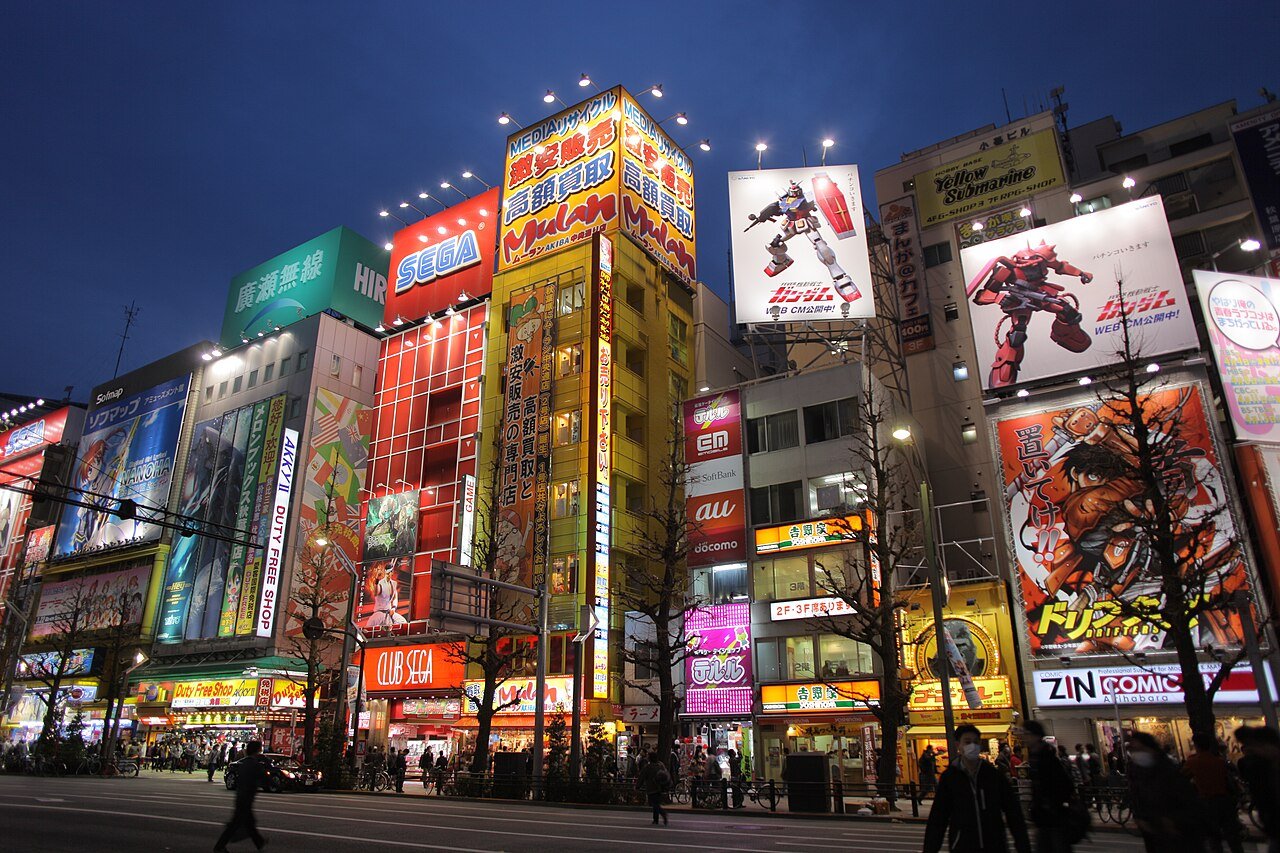
For free Wi-Fi, JNTO says major airports offer it in their terminals, and some coffee chains, fast-food restaurants and convenience stores run their own networks. It is a handy extra, but sign-in steps vary, so do not make it your only connection.
Airport and store pickups
Official airport pages list SIM, phone and Wi-Fi counters, but they change, so read them closely before you go. Narita’s page notes that mobile phone and Wi-Fi rental counters and SIM sales counters are in areas before departure passport control, meaning the public side of the terminal, not past outbound immigration. Arriving passengers typically reach those counters after exiting customs, then heading to the departure floors. The same page lists locations in Terminals 1, 2 and 3, including GPA SIM vending machines; Terminal 2 also lists vending machines in a “Before Customs” arrivals area. Haneda’s page lists shops and vending machines across Terminals 1, 2 and 3. It says prepaid SIMs can be bought from vending machines in Terminal 1, and it also lists vending machines in Terminal 2 and staffed counters in the Terminal 3 arrival lobby, where most international flights arrive. Kansai International Airport is another major arrival point; JNTO says rental kiosks are at all major airports, but we could not open Kansai’s own pages directly, so check its official site yourself.
We are not quoting hours or fees. JNTO also mentions electronics districts such as Akihabara and Nipponbashi. Budget your yen with our Japan travel money guide, and if you are shopping for gadgets, see the tax-free shopping refund guide too.
US carrier roaming
As of 8 Nov 2026, the carrier pages we could see suggest Japan is covered by the big US carriers, but allowances, speeds and daily fees depend on your plan. T-Mobile’s roaming page for Japan lists different high-speed allowances by plan, with prepaid and some plans treated differently. AT&T and Verizon describe daily passes. We are not quoting rates because plans differ. Check your own account, including whether tethering is included.
Research-based picks
We have not tested these. They are well-known items seen in Amazon.com listings on 8 Nov 2026; check the live page for stock and compatibility.

A small travel router that can share a hotel Ethernet or Wi-Fi connection with your laptop and tablet. It does not include cellular data.
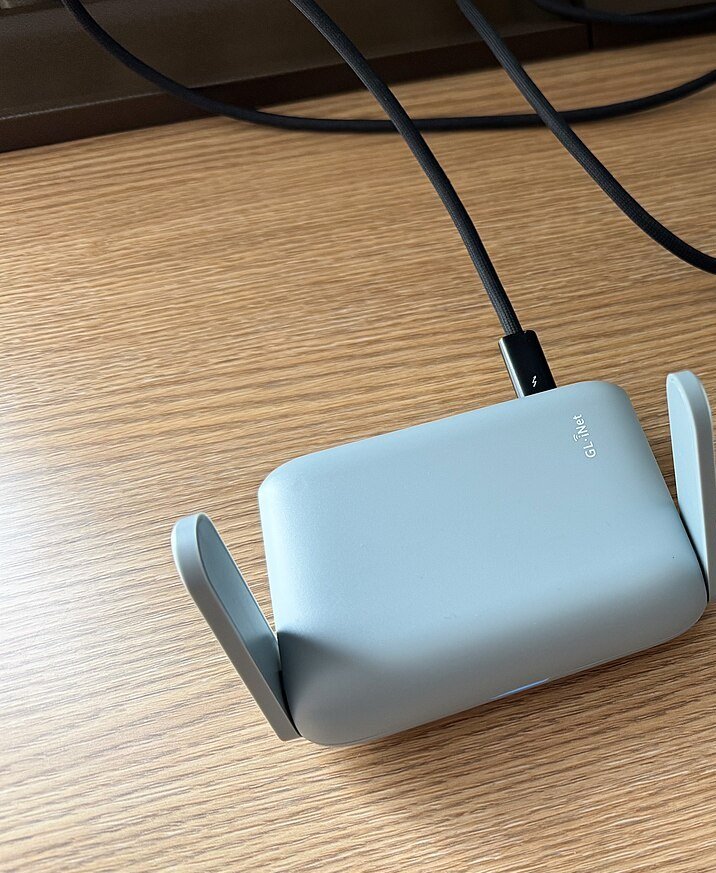
Small travel router (item type, not the exact product). Photo: Tony Webster, CC BY 2.0, via Wikimedia Commons
GL.iNet GL-MT3000 Beryl AX travel router
Pocket-size travel router for sharing hotel Wi-Fi or Ethernet with a laptop or tablet. It does not include cellular data.
Check price on AmazonA compact three-port charger means one wall plug can charge a phone, tablet and power bank.
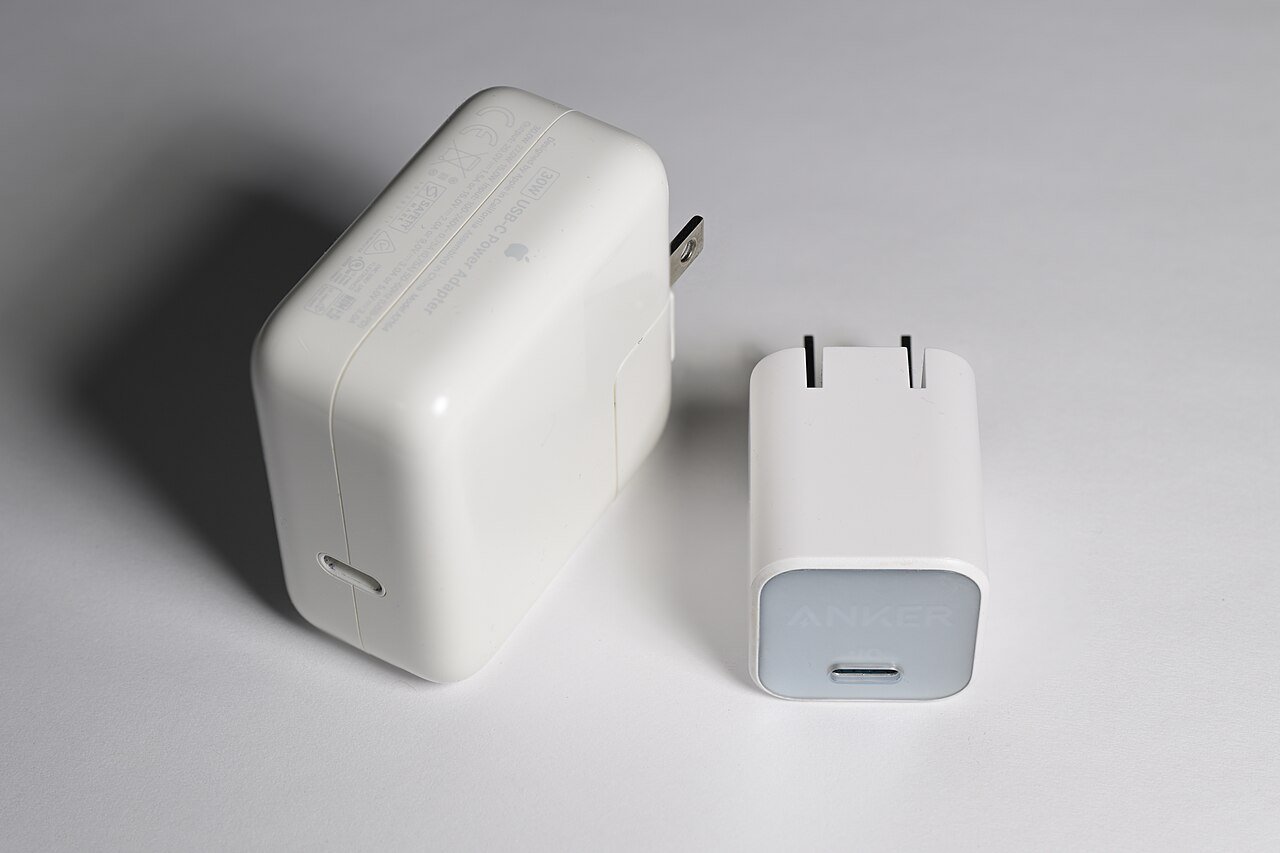
USB-C GaN wall charger (item type, not the exact product). Photo: 4300streetcar, CC BY 4.0, via Wikimedia Commons
Anker 67W GaN 3-port charger
Compact three-port USB-C and USB-A wall charger for a phone, tablet and power bank.
Check price on AmazonMany ungrounded US two-pin plugs fit Japanese outlets, but a grounded three-pin plug may not. This adapter is mainly for mixed-origin kits and for UK, Australian or Singapore readers. It is not a voltage converter.
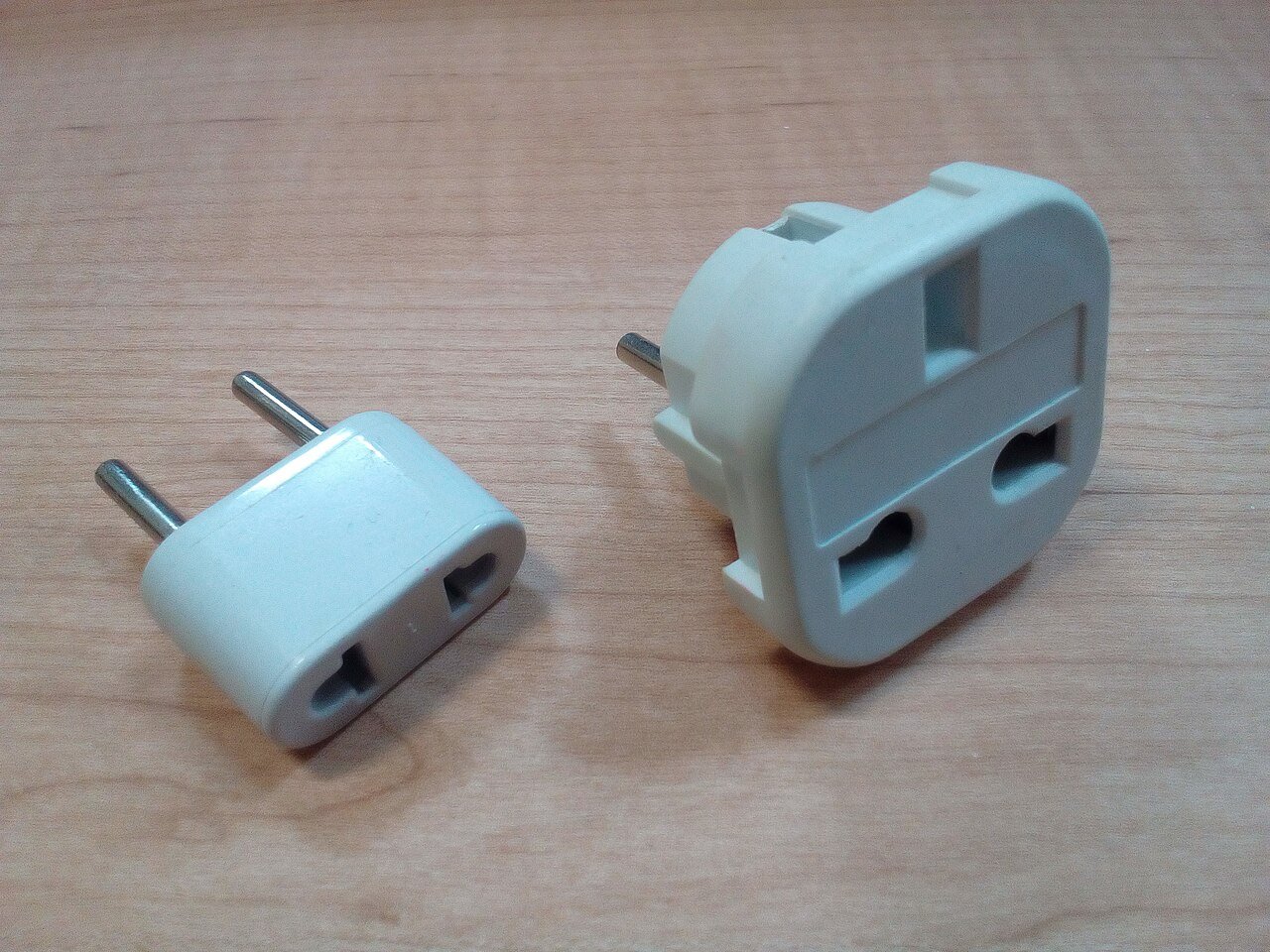
Travel plug adapters (item type, not the exact product). Photo: Fructibus, public domain, via Wikimedia Commons
EPICKA 45W universal travel adapter
Travel plug adapter with USB ports. It is not a voltage converter; mainly useful for UK, AU and SG kits.
Check price on AmazonA crossbody phone lanyard keeps your hands free while you follow a map. Check that your phone case is compatible.
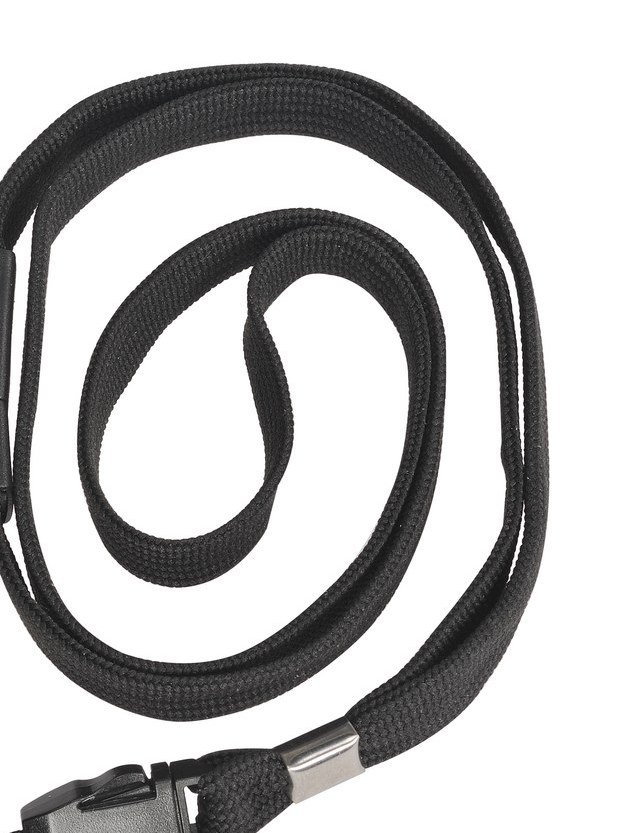
Webbing lanyard (item type, not the exact product). Photo: KISAPhone, CC BY-SA 4.0, via Wikimedia Commons
Lamicall phone lanyard crossbody 2-pack
Adjustable crossbody phone strap for hands-free map checking; check that your case is compatible.
Check price on AmazonJNTO says Japan uses 100 volts, so hair tools and other high-wattage appliances may need dual-voltage ratings or a transformer. Many USB phone chargers are dual-voltage, but check the label.
Visiting from Singapore, Australia, the UK or Canada
An unlocked, eSIM-capable phone generally works the same way wherever you live. Your home carrier’s roaming terms, and whether a provider bills in your currency, will differ by country, so check with your own carrier and the provider’s checkout. UK, Singapore and Australian plugs do not match Japan’s outlets, so pack an adapter. For winter trips, see Japan in December and Japan in January.
FAQ
What is the best eSIM for Japan?
We have not tested providers, so we cannot name one. Compare network, data style, hotspot rules and validity on the provider pages.
Will my iPhone work with a Japan eSIM?
Apple says eSIM works on iPhone XS and later models, if the phone is not carrier-locked. Check Settings, General, About for “No SIM Restrictions”.
Should I get an eSIM or pocket WiFi?
An eSIM is simpler for one traveler with a compatible phone. Pocket WiFi suits groups or people who want laptops and tablets online without worrying about hotspot rules.
Can I set up a Japan eSIM before I fly?
Usually yes. Install it on home Wi-Fi, then turn the line on after landing. Read the provider’s start rules so days do not tick away early.
Do Japan eSIMs include a phone number?
Many travel eSIMs are data-only. Some providers sell plans with a Japanese number, which can involve an ID check. Check the plan page.
Is US carrier roaming cheaper?
It depends on your plan and trip length. Compare your carrier’s current terms with an eSIM for the same dates.
What if my phone does not support eSIM?
Use a physical prepaid SIM if the phone is unlocked, or rent pocket WiFi. Airport pages list counters.
Bottom line
For most unlocked, eSIM-ready phones, a Japan eSIM installed at home is the easy default, with roaming, a physical SIM or pocket WiFi as backups. Read the plan page for hotspot, voice and speed rules before you buy.
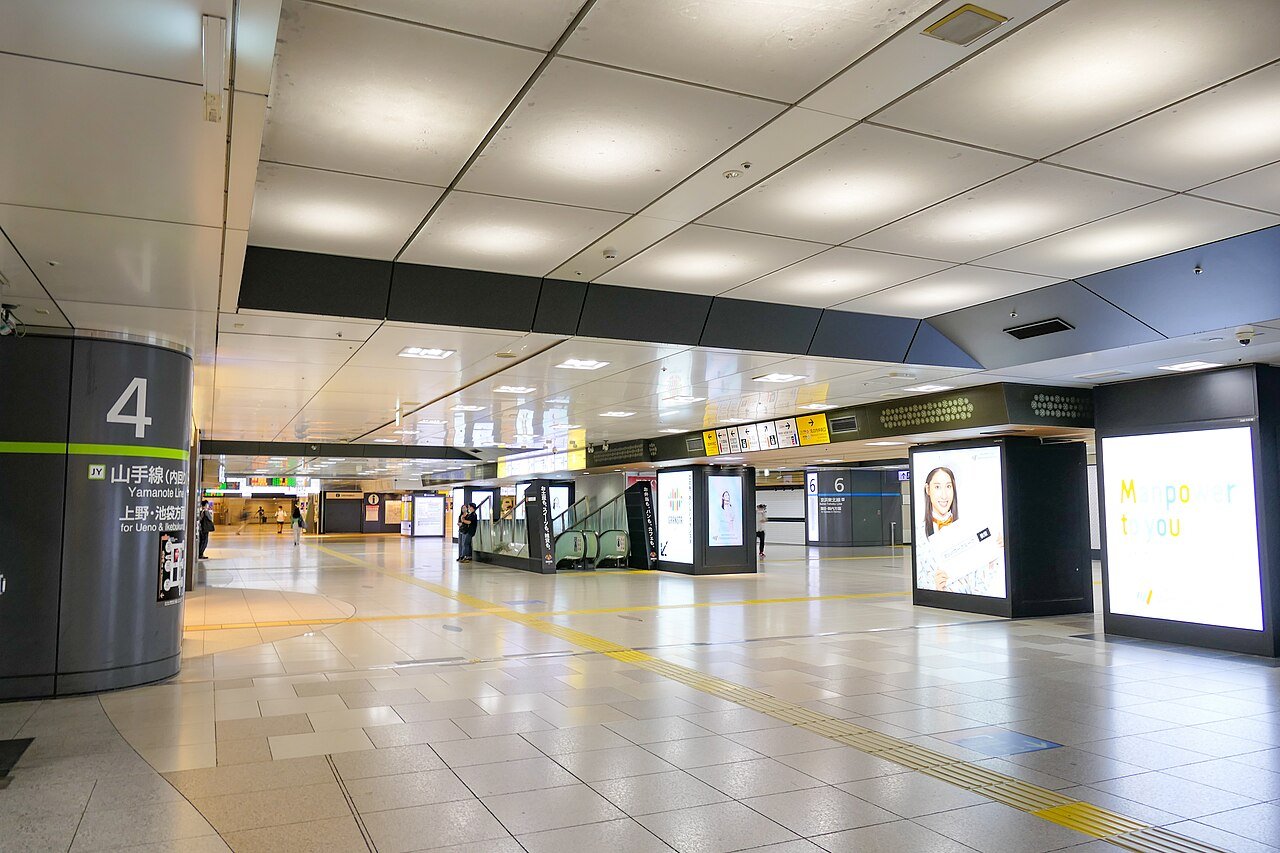
Top photo: the concourse at Tokyo Station. Photo: MaedaAkihiko, CC BY-SA 4.0, via Wikimedia Commons.